Support No. 011-40848888 (Except National Holidays)

Support No. 011-40848888 (Except National Holidays)
Star Link also provides a range of accessories for their products in order to enhance their functionalities and user experience. The accessories ranges from charger to battery to hooter interface to lock/turnstile. All the accessories are well synchronized with the main biometric products to ensure proper operation even after software updates. There are different accessories for different Biometric Attendance Machine and Access Control Systems.
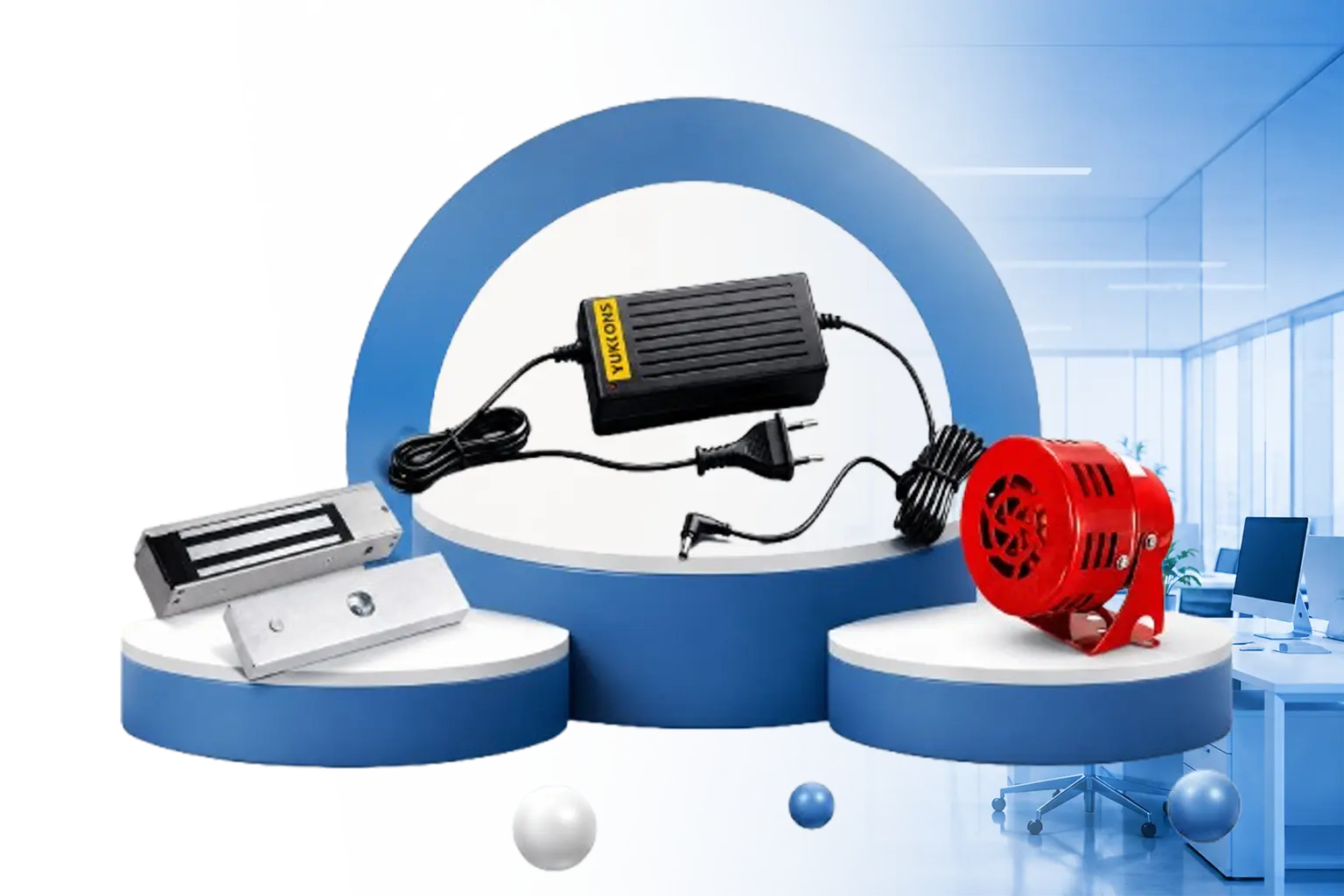
The accessories required depend on the application and installation. Common accessories include EM locks, no-touch exit sensors, hooter interfaces, power supplies with battery backup, and battery backup adaptors. These accessories can enhance the functionality, security, and reliability of biometric and access control systems.
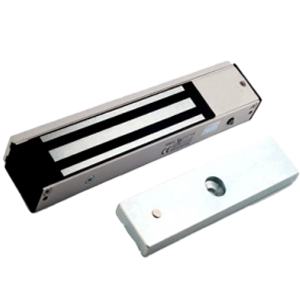
An EM Lock (Electromagnetic Lock) is an electronic door-locking device used with access control and biometric systems. It keeps a door secured until an authorized user is authenticated through a fingerprint, card, PIN, or other supported credential. Star Link’s EM Lock is designed for controlled entry applications and supports a holding force of up to 300 kg.
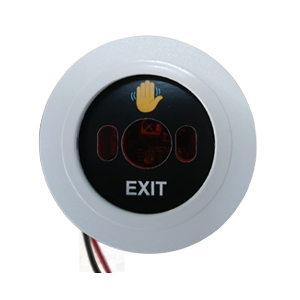
A No-Touch Exit Sensor is a contactless device that allows a person to exit through an access-controlled door without physically pressing an exit button. Users simply wave or place their hand near the sensor. Star Link’s sensor uses optical/infrared technology, has IP55 protection, and provides a detection range of approximately 0.1–10 cm.
A No-Touch Exit Sensor eliminates the need for physical contact with a push button. This can reduce mechanical wear and improve hygiene in high-traffic areas. It can also provide more flexible installation compared with traditional buttons that may require fixed positioning.
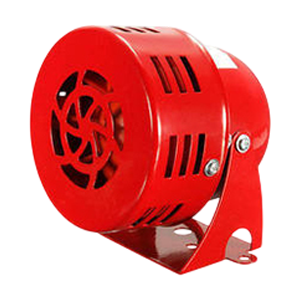
A Hooter Interface is an accessory that can be used to connect an alert or hooter mechanism with a compatible security or access control setup. It can help provide an audible indication for selected events, depending on the system configuration and programmed requirements.
A power supply with battery backup helps keep a biometric attendance or access control system operational during power interruptions. This is particularly useful for offices, factories, warehouses, and other workplaces where attendance recording and controlled access need to continue even when the main power supply is unavailable.
A Battery Backup Adaptor is designed to support compatible biometric or access-control equipment by providing backup power when required. It can help reduce interruptions to system operation caused by temporary power failures.
Yes. Star Link provides accessories specifically intended to work with its biometric attendance machines and access control systems. The accessories are designed to complement the main biometric products and can be selected according to the particular device and application requirements.
A typical biometric door access control installation may require a biometric reader, EM lock, exit sensor or exit button, suitable power supply, and backup power solution. Additional accessories such as a hooter interface can be added when audible alerts are required. The exact configuration depends on the door type, security requirements, and biometric device being used.
The correct accessories depend on the biometric device, door configuration, access-control method, power requirements, and operating environment. For example, an EM Lock may be required for electronically controlled doors, while a No-Touch Exit Sensor can provide contactless exit operation. The accessories should be selected for compatibility with the specific Star Link device and installation.
Copyright © 2025 Star Link India, All rights reserved.